Describe the video you want or drop in a script you wrote. ClipNova drafts the voiceover text, renders each scene, records the narrator, adds captions and returns one finished file, 16:9 for the main channel or 9:16 for Shorts.
All six stages happen in a single generation. To show them, we follow one project, a 5 minute faceless mystery documentary about a remote island lighthouse, from the opening line to the downloaded files.
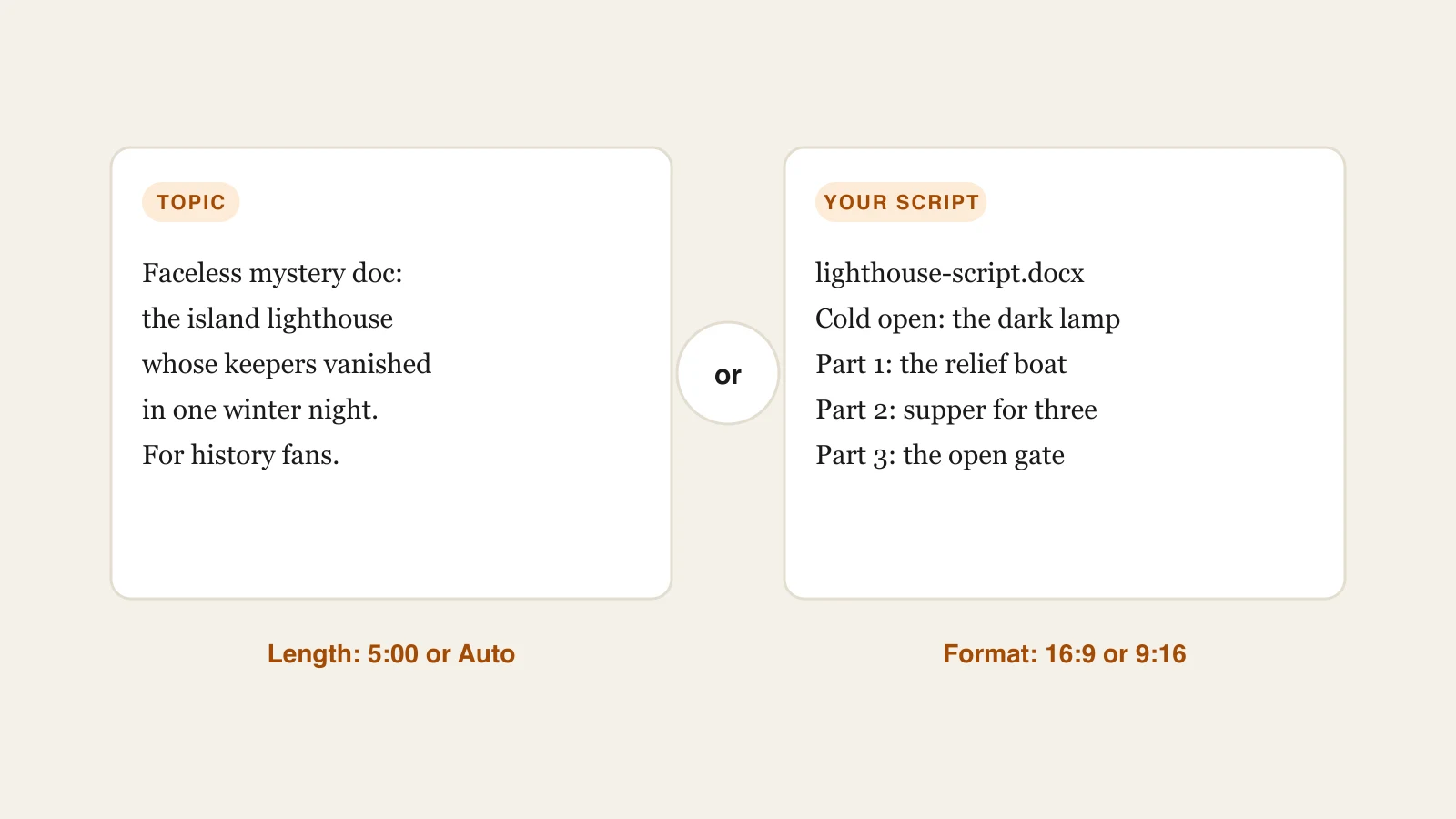
Write a sentence on what the video covers and who will watch it. That is all it needs. Wrote the script already? Paste the text or upload a PDF or Word file and ClipNova sticks to it line for line. Choose a runtime up to 5 minutes, or leave Auto on and let the narration decide.
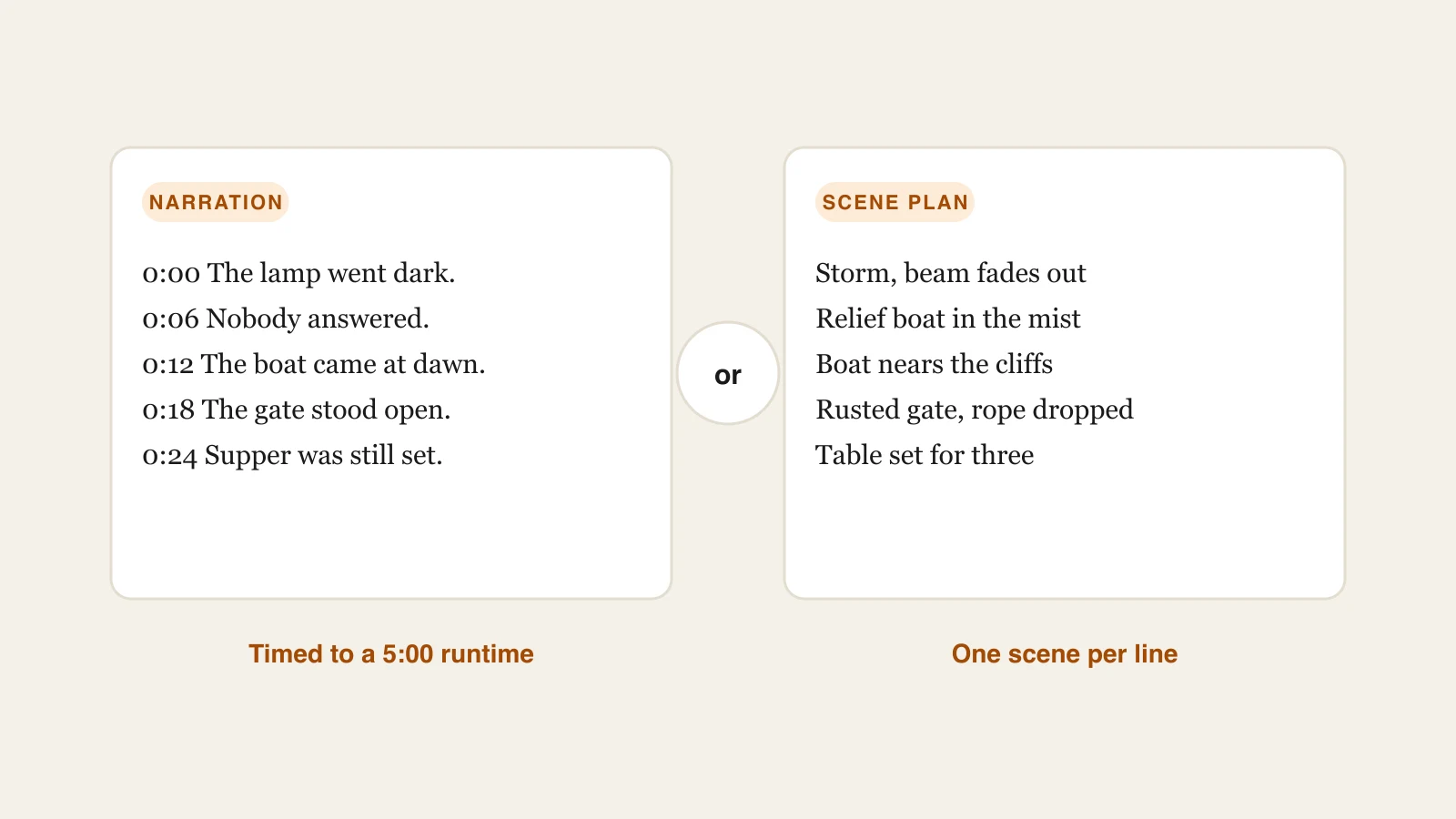
ClipNova turns your idea into a spoken script that fits the length you picked, then decides what each scene should show while that line plays. The empty page before every upload stops being your problem.
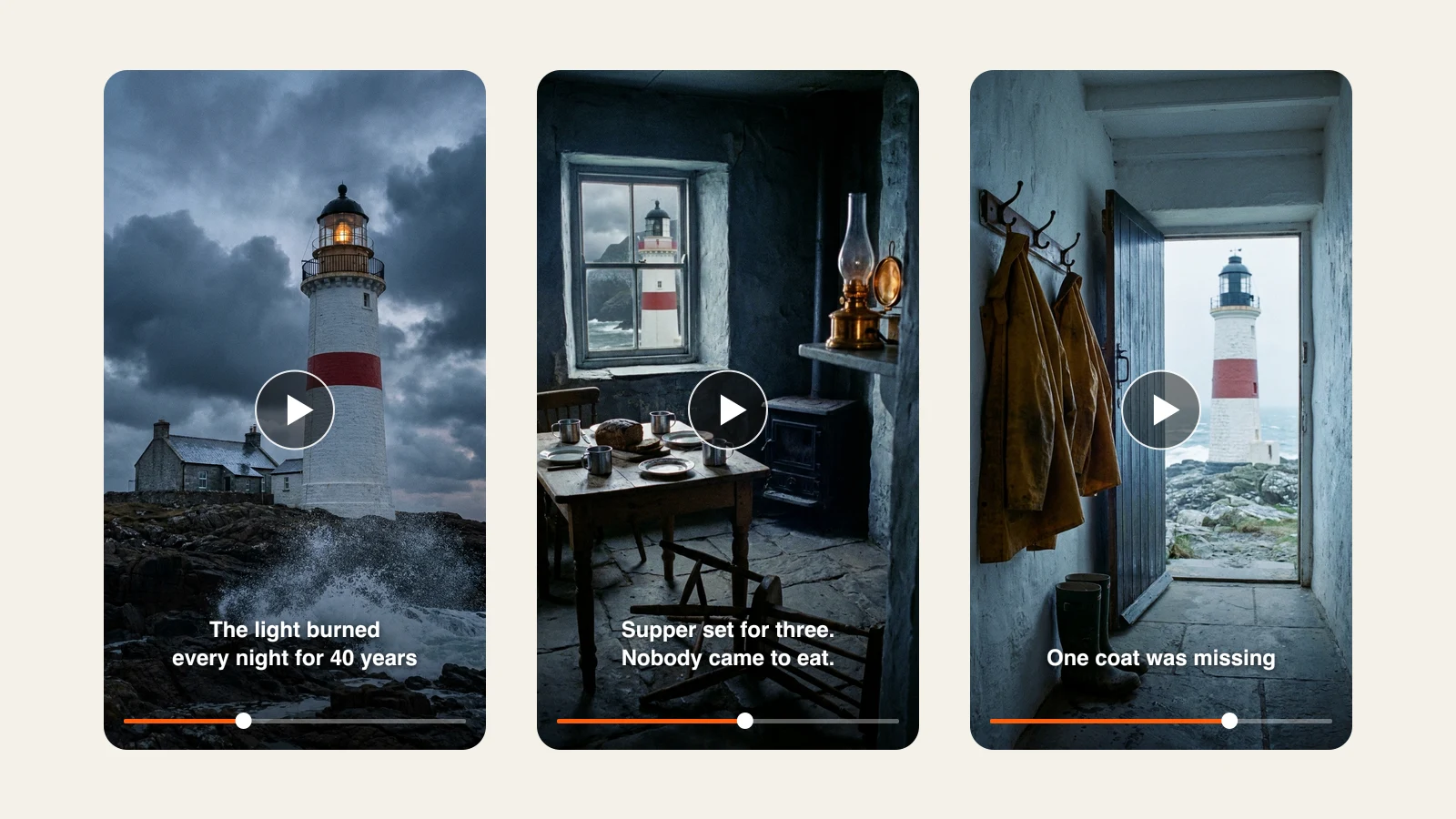
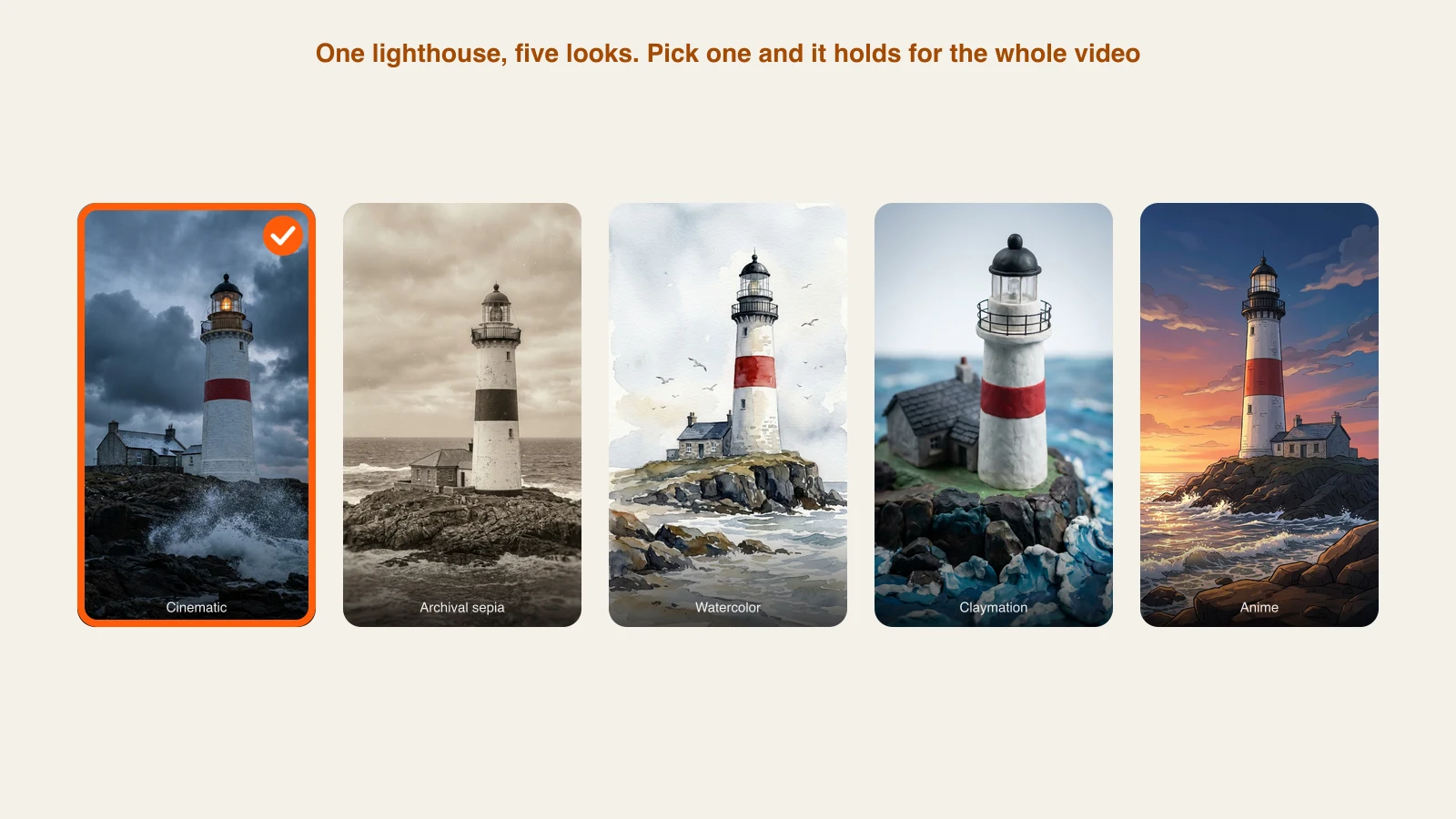
Every beat of the script becomes AI video in a style you pick, cinematic and photoreal, anime, claymation, watercolor and more, with the same look carried from the cold open to the end card. No camera, no borrowed stock library.
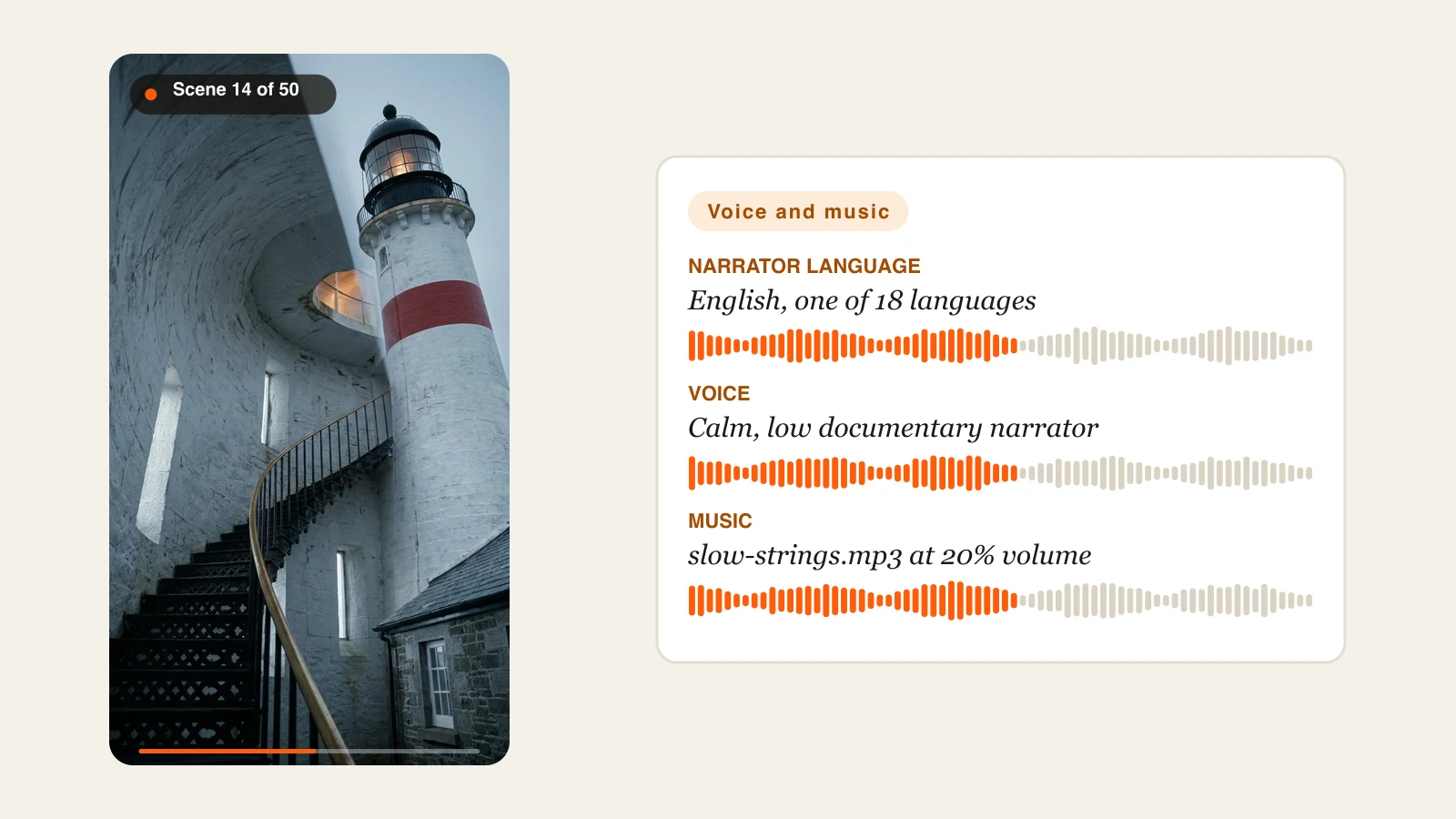
Choose a natural AI narrator and its language, or swap in a recording of your own voice. Add a music track from a file or a link, set how loud it sits under the narration and ClipNova blends it all into the final cut.
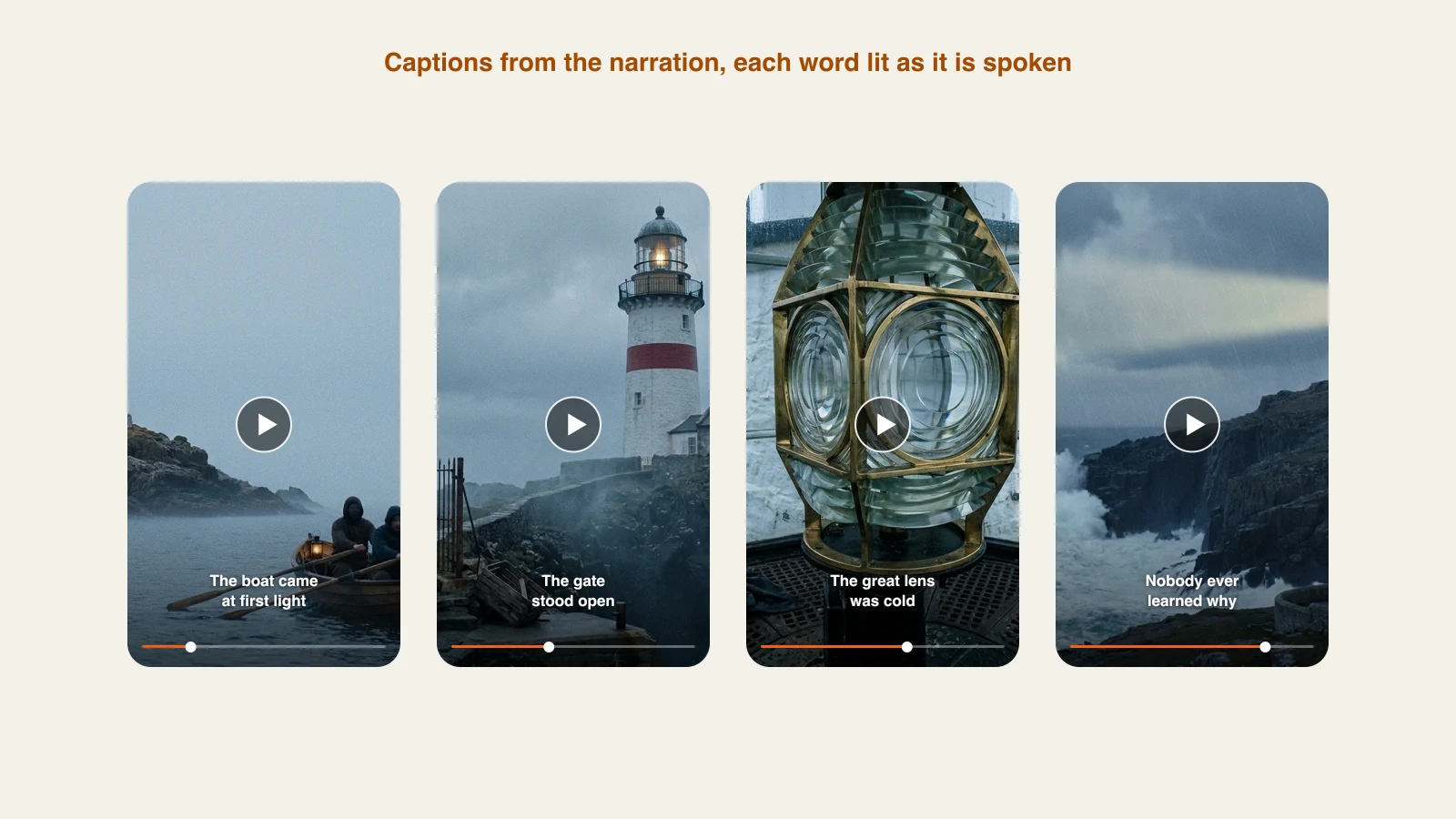
Captions are built from the narration and burned into the video, with every word highlighted the moment it is spoken. Choose one caption look and it stays the same to the last frame, so people watching on mute never lose the thread.
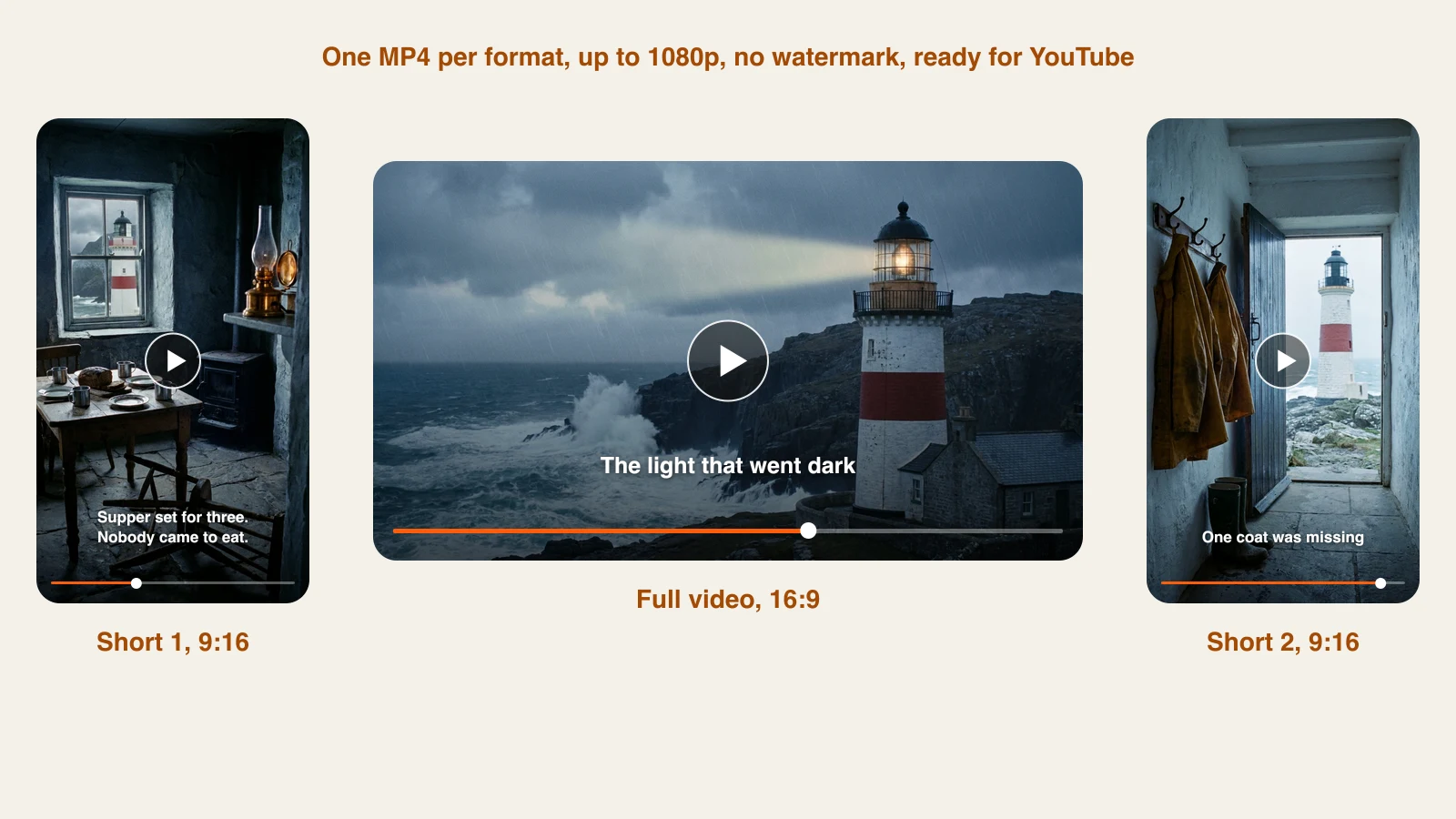
Footage, narration, music and captions arrive as a single MP4, 16:9 for a standard upload or 9:16 for a Short, at up to 1080p with no watermark. Need changes? The ClipNova Studio lets you trim, split or reorder scenes and edit the narration text.
Documentaries, explainers, countdowns and narrated stories of up to 5 minutes each, with voice and captions included, in the widescreen format that fits YouTube search and the home feed.
Flip the format to vertical and the same topic turns into a Short that opens on a hook and carries large captions. Cut one long video subject into a handful of Shorts that lead viewers back to the full upload.
Take one question and turn it into a voiced, subtitled video of up to 5 minutes that explains it clearly.
True mysteries, history, curious facts, money tips: keep a steady upload schedule and never step in front of a camera.
Make vertical cuts of each subject to keep the Shorts shelf full and pull viewers toward your longer uploads.
Demos, announcements and channel trailers that share one visual style, with no studio booking and no editor to hire.
It takes a topic or a script and returns a full video you can upload to YouTube. With ClipNova, the voiceover script, AI scenes, narration and captions are all made in a single job, you can add your own music, and you download one MP4 in 16:9 or 9:16.
Each render runs up to 5 minutes. Set the runtime yourself or keep Auto on so ClipNova matches the video to the narration. Shorts tend to land between 30 and 60 seconds.
It does. Choose 9:16 for a vertical Short or 16:9 for a standard upload. Both formats get the same script, scenes, narration and captions pipeline.
No. ClipNova gives you the finished video file. You download it, then upload or schedule it in YouTube Studio, where the title, description and thumbnail are set too.
The AI narrator speaks 18 languages, English, Spanish, French, German, Portuguese, Hindi, Arabic, Japanese and Chinese among them, and the captions match the spoken language. You can upload your own voice recording as well.
The YouTube Partner Program pays for original videos that give viewers real value, with or without AI in the process. Videos made from your own topics and scripts with newly generated scenes meet that bar, and YouTube asks you to label realistic synthetic content at upload.
Creators turn plain ideas into videos people stop scrolling for, with no crew, no editing app and nothing to learn.